TESLA GUY 29
Top storiesSoftwareFSDCybertruckRobotaxiTesla AppLock soundsWrapsGuides
Follow @Teslaguy29

Guides

How to actually do it

USB folders, hardware lines, Paint Shop rules. Short on purpose.

Sounds · 3 min

Install a custom lock sound

Boombox/LockChime.wav on a FAT32 or exFAT stick. Two minutes if the file is a real WAV.

Wraps · 4 min

Load a digital wrap in Paint Shop

Model-specific PNG, 512–1024 px, under 1 MB. App upload or USB Wraps folder.

FSD · 1 min

Read your Autopilot hardware version

HW3 vs HW4 is on the Software tab. It decides which FSD train you are on.

USB · 5 min

One USB for Sentry, Dashcam, Boombox, and Wraps

exFAT, MBR, named folders. Do not mix firmware files onto this stick.
From the desk

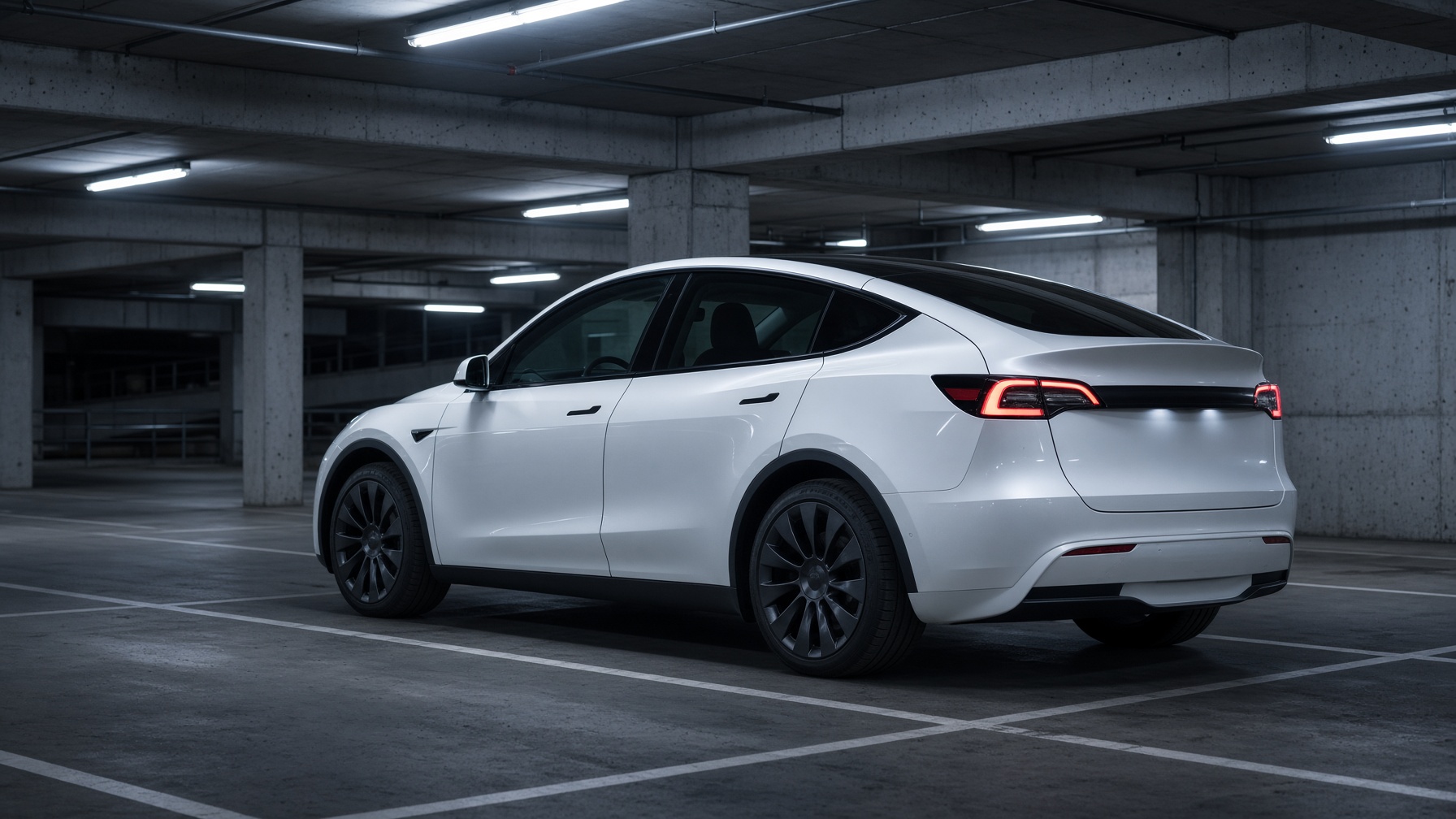
Model Y in a garage
Guides5 days ago

How to apply a custom digital wrap in Paint Shop

PNG, 512–1024 px, under 1 MB. App upload or USB. Model-specific templates matter.

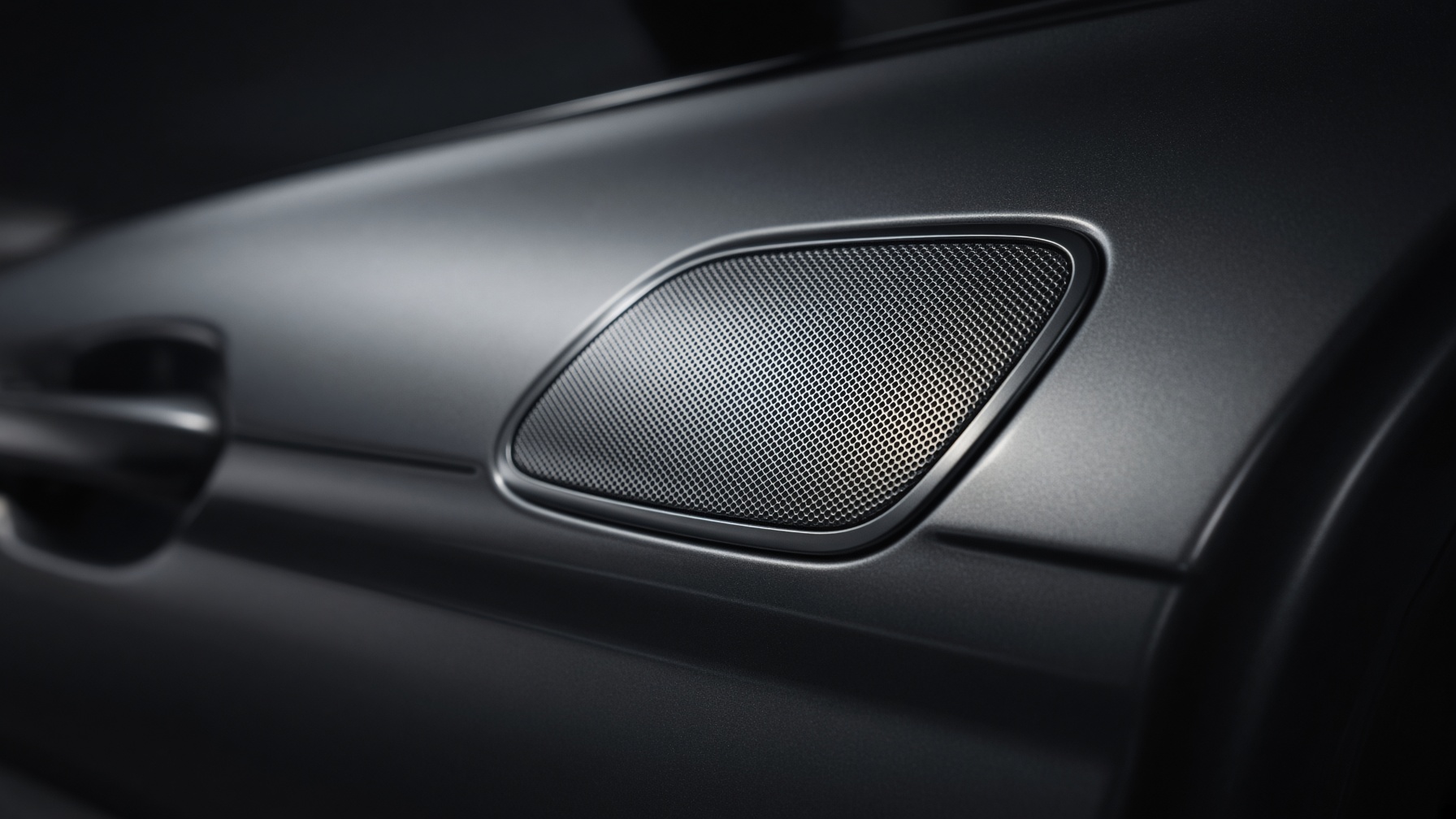
Close-up of a car exterior speaker grille
Guides5 days ago

How to install a custom Tesla lock sound in two minutes

One WAV, one folder, one Toybox toggle. The format is picky. The steps are not.

TESLA GUY 29

Independent Tesla news, software notes, lock sounds & wraps.

@Teslaguy29 on X

Sections

  • Top stories
  • Software
  • FSD
  • Cybertruck
  • Robotaxi
  • Tesla App

More

  • Lock sounds
  • Wraps
  • Guides
  • SpaceX
  • Upcoming
  • Get the app
  • About

Independent owner site. Not affiliated with Tesla, Inc., SpaceX, or xAI. Software versions and fleet figures are compiled from public owner reports.