Guides
How to apply a custom digital wrap in Paint Shop
PNG, 512–1024 px, under 1 MB. App upload or USB. Model-specific templates matter.
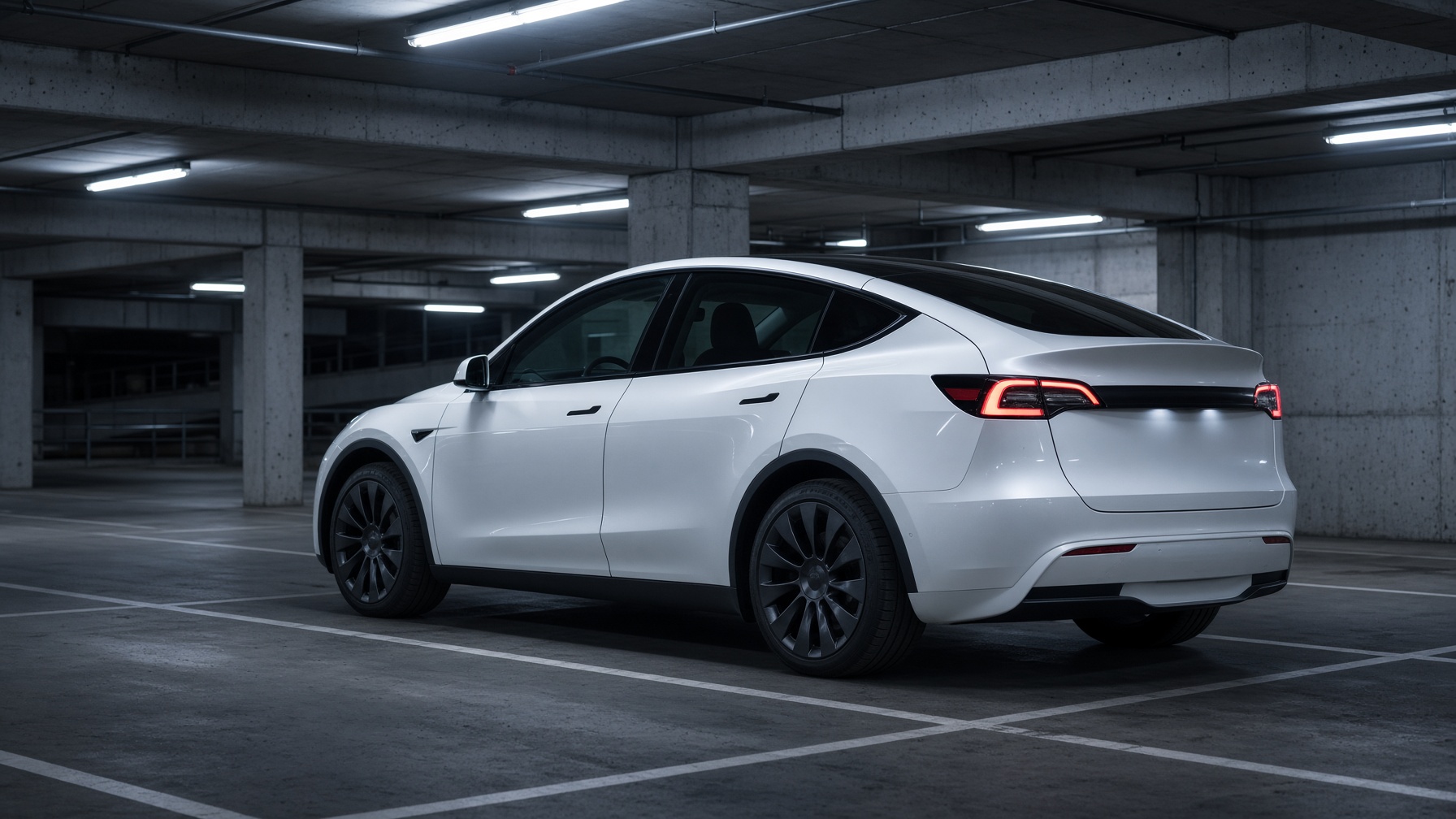
Digital wraps are not vinyl. They are a PNG mapped onto the 3D car in the Tesla app and on the in-car visualization. Tesla calls the feature Paint Shop, inside Toybox.
The image has to match your model’s UV template. A Highland Model 3 file will not sit correctly on a 2019 Model 3. A Cybertruck file will not sit on a Y. File rules: PNG only, 512×512 to 1024×1024, max 1 MB, filename under 30 characters, letters/numbers/dashes/underscores/spaces only. Up to 10 files at a time.
Two ways in. Phone: Tesla app 4.59.0 or later → Creations → Wrap → Upload. USB: format FAT32 or exFAT, folder named Wraps at the root, drop the PNGs in, plug into a data port, then Toybox → Paint Shop → Wraps.
TG29’s wrap studio fills the official Tesla UV templates for every supported model and year band, then exports a Paint Shop-ready PNG. Start there. Do not freehand a square photo of your car and hope.
Written by Tesla Guy 29. Model 3 owner. FSD Supervised on the HW3 Lite path. Tesla and SpaceX news with an owner lens — boring on purpose. Follow on X.